
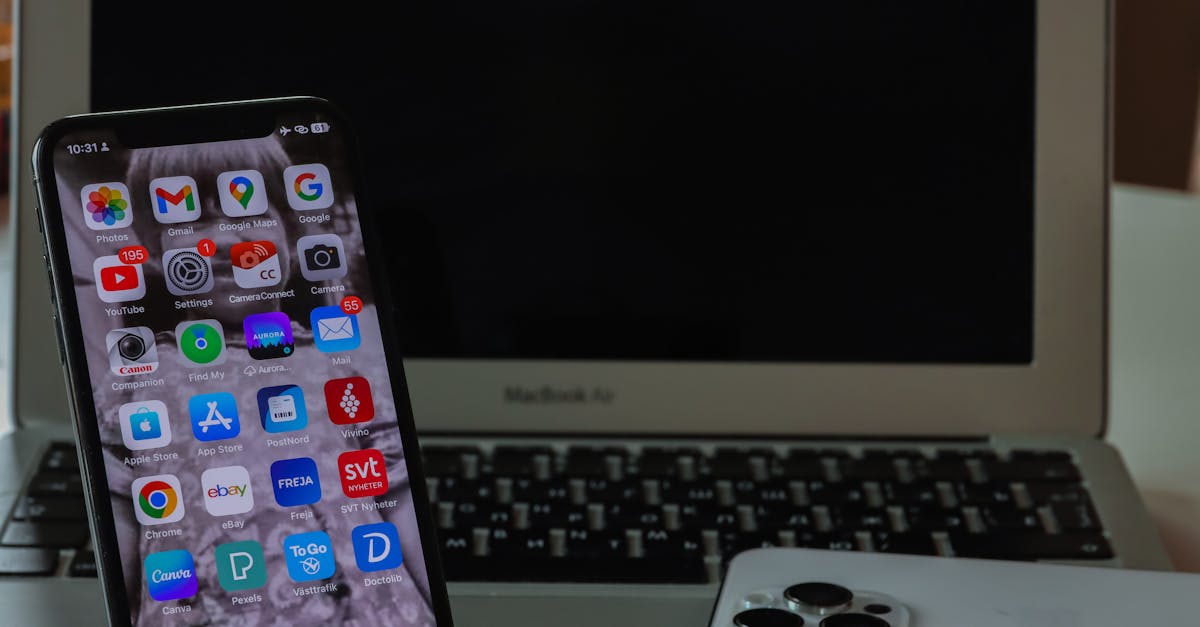
iPhone users often find themselves in a love-hate relationship with their device’s battery life. One minute they’re capturing breathtaking sunsets, and the next, they’re frantically searching for an outlet like it’s the last slice of pizza at a party. So how long is an iPhone battery really supposed to last?
Table of Contents
ToggleOverview Of iPhone Battery Life
iPhone batteries are designed to last a specific duration based on usage patterns. On average, iPhones provide around 10 to 12 hours of browsing time on the internet. Streaming video can shorten this duration, usually offering about 8 to 10 hours of playback. Users often find that engaging in gaming results in a faster battery drain, often requiring charging after approximately 4 to 6 hours of gameplay.
Battery longevity is affected by several factors, including screen brightness, app usage, and network conditions. For instance, lower screen brightness can extend overall battery life. Additionally, using energy-efficient settings helps maximize usage without frequent recharges. Before draining the battery too low, keeping the charge between 20 and 80 percent extends overall battery lifespan.
Moreover, battery health, measured as a percentage, indicates performance over time. Apple recommends replacing the battery when the health drops below 80 percent to maintain optimal performance. By using tools like Battery Health in the settings, users can monitor their device’s condition.
iPhone models differ in battery specifications. The iPhone 14 Pro Max features a larger battery capacity, allowing it to support up to 29 hours of talk time. In contrast, the iPhone SE (3rd generation) offers around 15 hours of internet browsing. Users seeking longer durations should consider these specifications when choosing an iPhone.
Overall, understanding battery life expectations helps manage usage better and sets realistic recharge plans.
Factors Affecting Battery Longevity
Various elements determine how long an iPhone battery lasts, including usage patterns and environmental conditions.
Usage Patterns
Typical usage habits greatly influence battery consumption. Heavy activities like gaming result in faster depletion, often requiring a charge after 4 to 6 hours. Conversely, light tasks such as text messaging or browsing might extend the battery life to 10 to 12 hours. Background apps also contribute to battery drain, so keeping unused applications closed is advisable. Users accessing high-performance features, like GPS or video streaming, experience greater battery usage. Charging habits play a role too; frequent top-offs between 20 and 80 percent help maintain battery health and longevity.
Environmental Conditions
Environmental factors significantly impact battery performance. Extreme temperatures can cause the battery to drain quicker; heat and cold both reduce efficiency. Keeping the device in moderate conditions is ideal, with temperatures between 32°F and 95°F recommended by Apple. High humidity or exposure to moisture can also pose risks, leading to decreased battery lifespan. Additionally, poor network conditions force the device to work harder, accelerating battery consumption. Maintaining optimal charging and usage practices in different environments fosters better battery longevity overall.
Expected Battery Life Across Models
Battery life expectations vary across iPhone models. Users can look to average performance metrics to gauge longevity.
iPhone 13 Series
The iPhone 13 series excels with impressive battery life. Users experience up to 15 hours of internet browsing and 13 hours of video playback. Talk time can reach approximately 19 hours, making it ideal for everyday use. Optimizations in battery technology also help manage power consumption efficiently, contributing to overall satisfaction. Screen brightness and active apps, however, can still impact performance.
iPhone 14 Series
Battery performance improves further in the iPhone 14 series. Users can enjoy nearly 29 hours of talk time with the iPhone 14 Pro Max. Internet browsing typically lasts around 15 hours, while video streaming offers about 20 hours of playback. Enhanced efficiency ensures extended usage even during heavy tasks. Factors including environmental conditions continue to influence battery life. Adapting charging habits can significantly improve overall performance.
Tips For Prolonging Battery Life
Adjusting screen brightness is one effective way to preserve battery life. Lowering brightness can extend usage significantly, especially in bright environments. Enabling automatic brightness adjustment allows the iPhone to adapt based on surrounding light conditions.
Managing app activity is crucial. Keeping background app refresh off for non-essential apps prevents unnecessary battery drain. Limiting location services to essential apps minimizes energy consumption, especially when GPS is involved.
Utilizing Low Power Mode is beneficial during critical times. This feature reduces background activity and optimizes performance, helping users maintain battery life when it’s low. Regularly checking battery health through the settings assists in monitoring performance over time.
Switching off Wi-Fi and Bluetooth when not in use helps conserve power. During travel, turning off mobile data or utilizing Airplane Mode reduces connectivity demands, which can deplete battery quickly. Users can also disable push mail features and check emails manually to save energy.
Keeping the iPhone software updated ensures optimal performance. Updates often include enhancements that improve battery efficiency. Understanding the effects of extreme temperatures on battery performance is also important; excessive heat or cold can negatively impact battery longevity.
Charging habits play a significant role in battery preservation. Maintaining the charge between 20 and 80 percent supports battery health. Using certified charging accessories ensures safe and effective power restoration.
Ultimately, adopting these practices can significantly enhance the iPhone’s battery life, enabling users to enjoy their devices without frequent recharges.
iPhone users can optimize their device’s battery life by understanding its expected performance and adopting effective management strategies. With the right practices in place users can enjoy longer usage times without the constant worry of recharging.
By adjusting settings and being mindful of usage habits they can significantly enhance their iPhone’s longevity. Keeping an eye on battery health and following Apple’s recommendations ensures that the device remains efficient over time.
Ultimately a well-maintained battery allows users to fully experience all the features their iPhones have to offer while minimizing interruptions.


